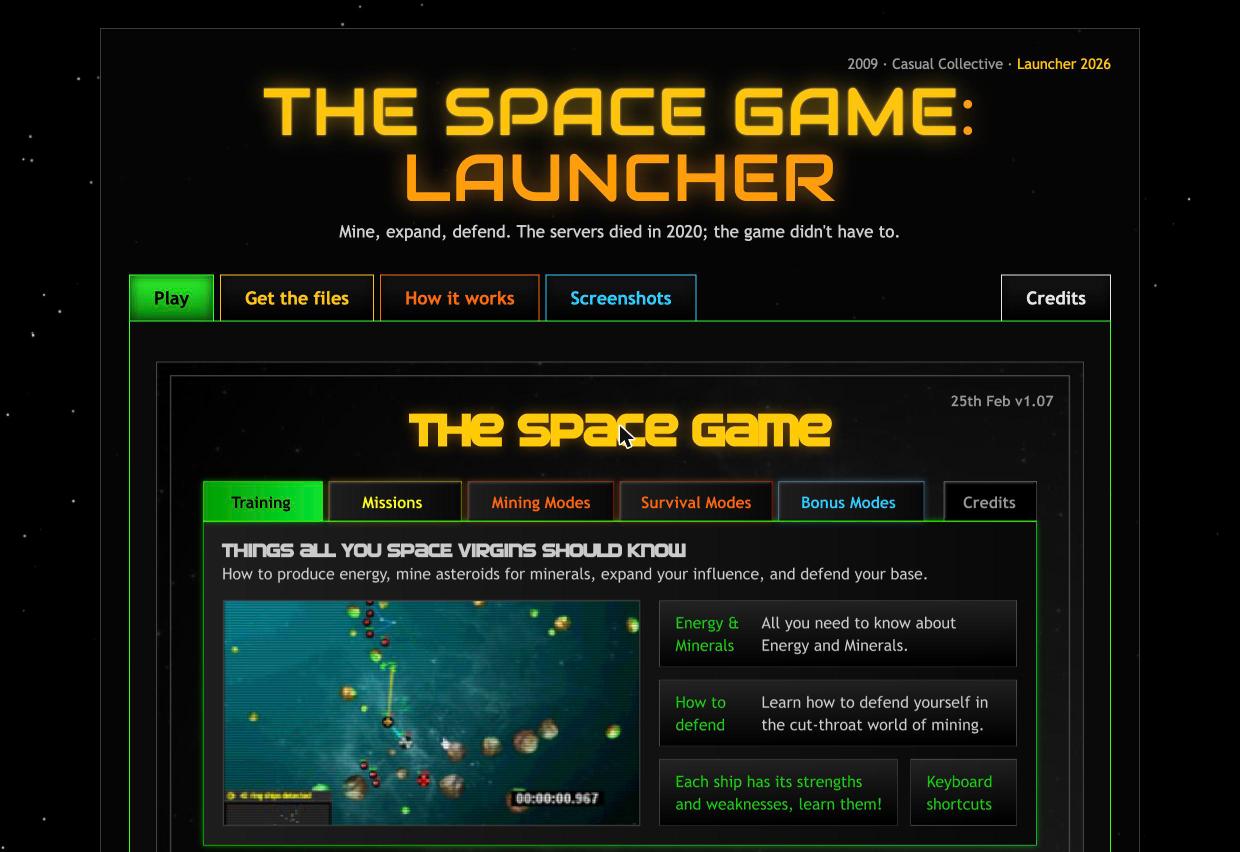
Resurrecting The Space Game, a dead Flash game, by faking its server
10 Sep 2026 - Brent Jacobs
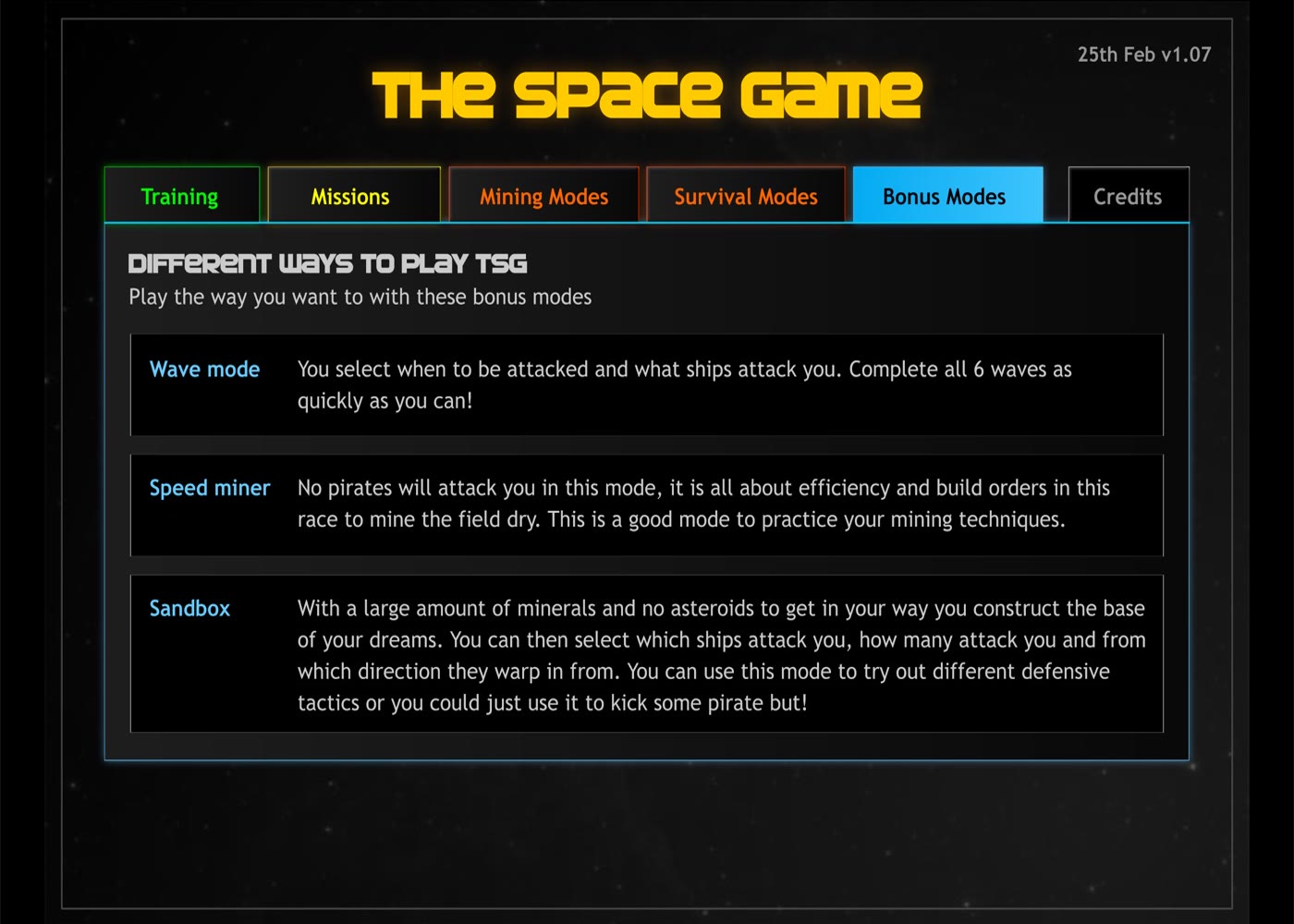
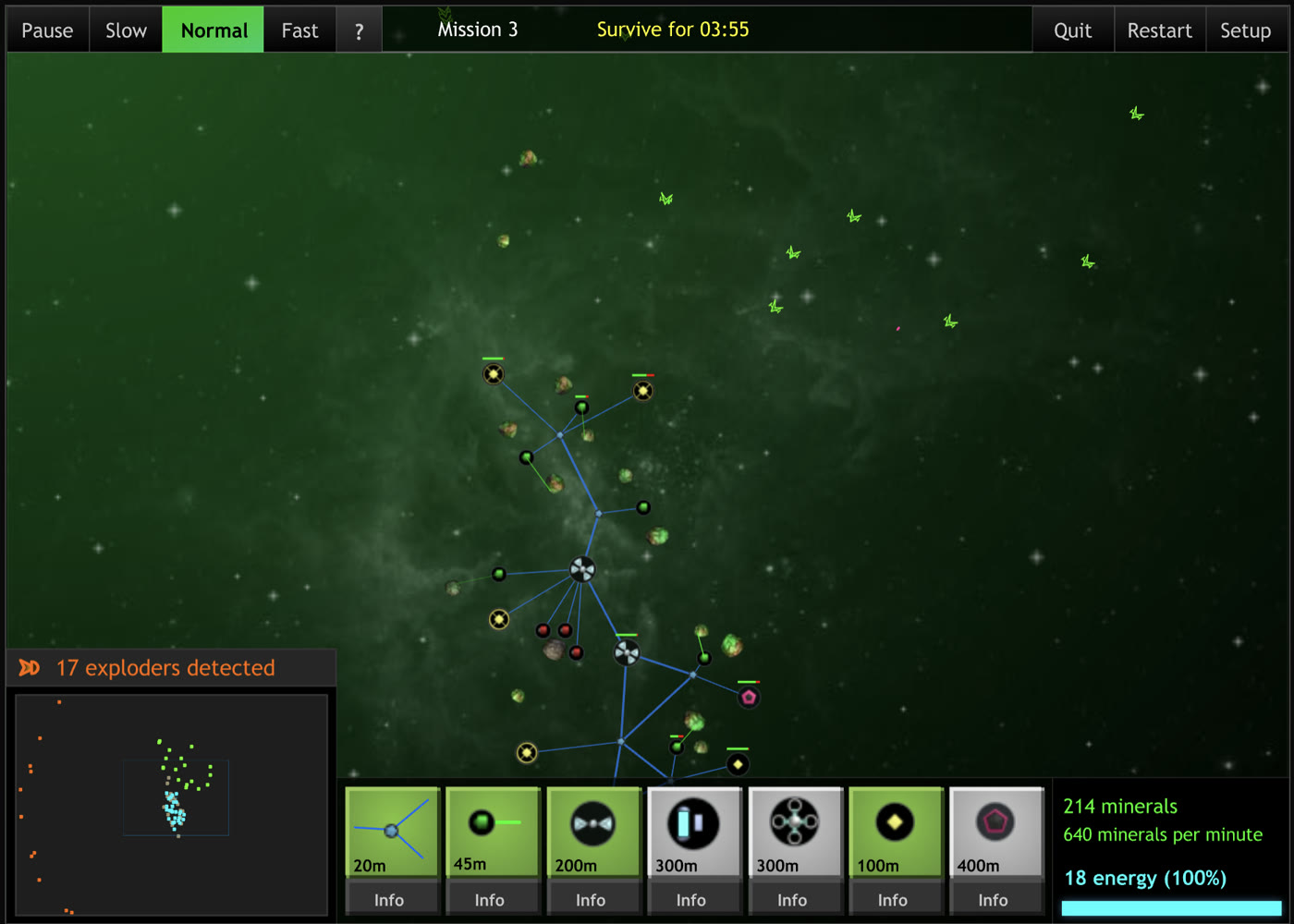
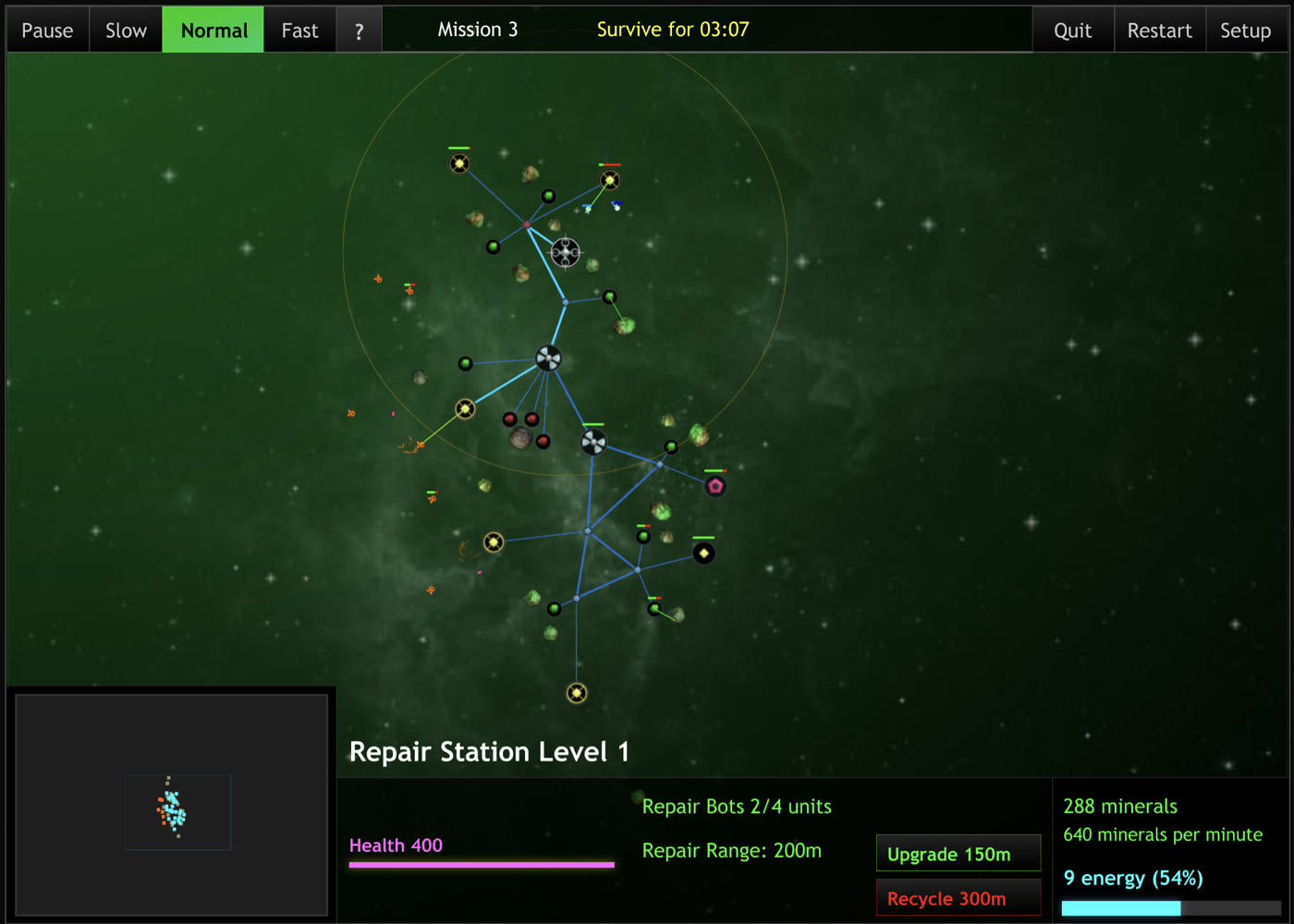
The Space Game is one of my favourite Flash games. You mine asteroids for minerals and build out your base with solar stations, lasers, and missile launchers to protect yourself from waves of pirates that warp in to attack. The lasers use up your energy reserves, and building and missiles cost minerals. A wave or two of pirates could easily overwhelm your base. The game mechanics were simple but addictive, and I loved the vector style art and the soundtrack.
The game was released in 2009. Coding and artwork were by  David ScottCo-founder of Casual Collective with Paul Preece. Made Flash Element TD in 2007, then The Space Game and its Missions follow-up. Casual Collective became KIXEYE in 2011.Casual Collective in 2009, Wayback MachineKIXEYE wiki, David ScottThe Space Game on Kongregate from Casual Collective and the music and sound effects by Somatone. Later the same year came The Space Game: Missions, expanding the original game with a campaign.
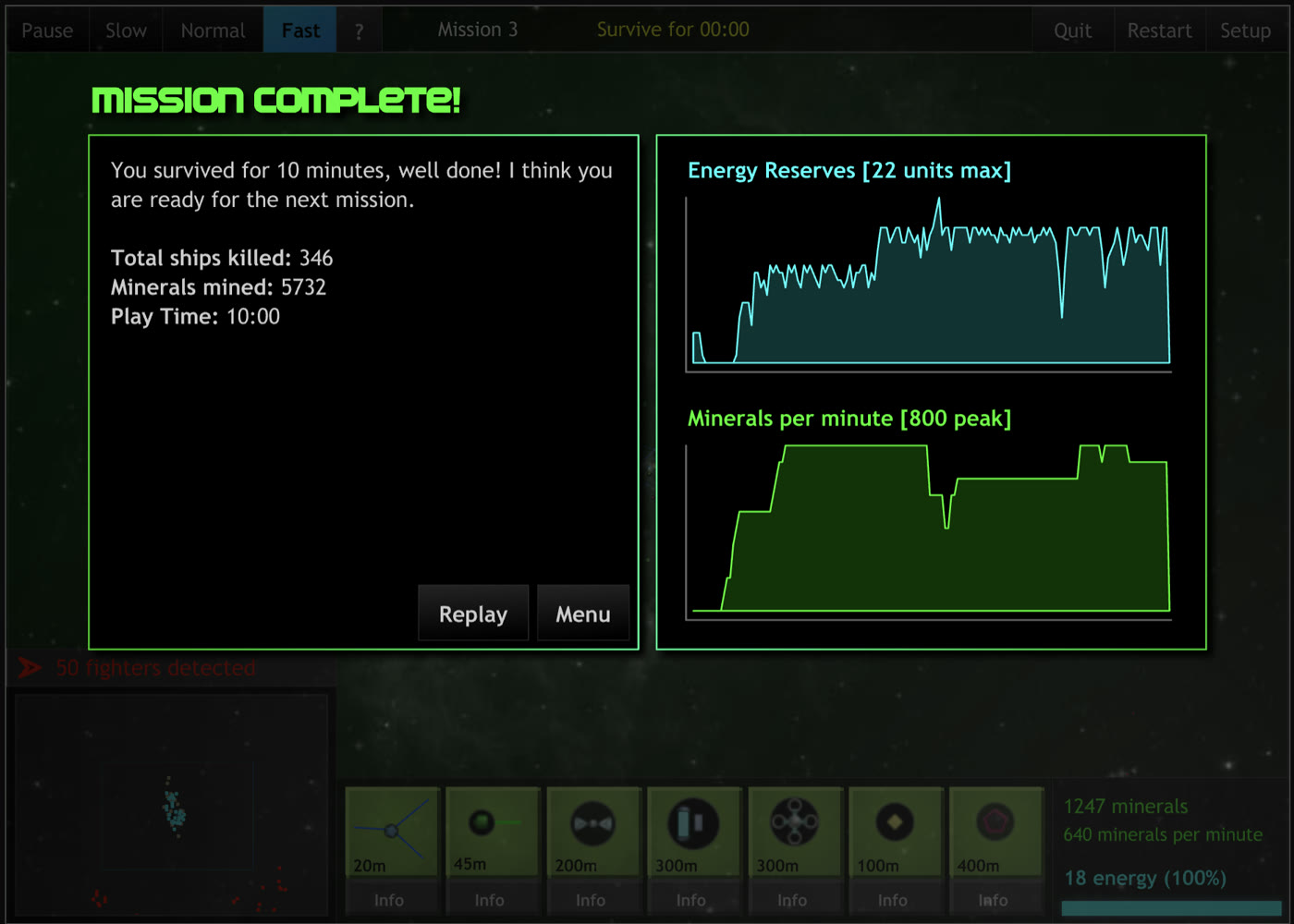
When Flash died, so did the game. Most Flash games can run on Ruffle. Unfortunately, The Space Game starts to load but then displays the error:
Unable to load game. Please notify www.casualcollective.com.
The archived SWF is not the game
A copy of the game is made available on archive.org and Kongregate. Both sites load the game using Ruffle. Both then print “Unable to load game. Please notify www.casualcollective.com.” and stop. A 2021 thread on r/FlashpointArchive says the same thing: the SWFs pull their content from URLs that went dark, and Flashpoint Infinity could not run them either at the time.
I’ve been wanting to replay this game forever. My own Downloads folder had a copy I grabbed in 2021, sitting next to two Ruffle nightlies from the same year. So I had tried this before and not got far.
I’ve had a lot of luck getting Claude to help me get old games running on my Mac, so I figured it was the perfect AI for the job!
Claude quickly realised the SWF being run on archive.org was just a loader stub. The SWF was only 16 KB. I asked whether Ghidra could decompile it. Claude was already many steps ahead of me. Ghidra doesn’t do ActionScript, so Claude had picked JPEXS Free Flash Decompiler and followed up that the stub was making a POST to widget.casualcollective.com/load, and the reply it expected was two fields, w1 and w2. w1 is a URL for a “widget” wrapper SWF. w2 is an API base URL. The stub is a bootstrapper for a server that has been off for a decade.
So two things became apparent: we need to mock the web server the SWF is expecting to communicate with, and we need to find the actual game!
Finding the actual game
Of course, the Wayback Machine had it! storage.cloud.casualcollective.com/zones/pub/10/thespacegame.v83.swf, 1.9 MB, captured in 2019. The widget.swf wrapper was there too, from 2017.
Running the 1.9 MB game SWF directly in Ruffle, however, gives a blank white screen. Forever. A Ruffle bug?? “This SWF renders blank in Ruffle” is a common report on Ruffle’s issue tracker, usually a missing ActionScript feature. Another dead end.
Reading the wrapper
The widget fetched by the loader is 740 KB of obfuscated ActionScript 2: control-flow flattening, junk constant pools, the works. Claude wrote a small script to resolve constant-pool references in the P-code so the decompiled output read as something close to source. That recovered the entire boot sequence.
The widget’s protocol starts with a POST to <api>/pub/session/setup?gid=10 and gets a JSON response containing the following:
resultmust be 1, or the widget gives up.swfs.base,swfs.gameandgamevcombine to give the URL of the actual game SWF.clsis the player class, where 2 means member, which unlocks members-only content.pdis saved player data as key value pairs likek=v,k=v.
The widget then POSTs to session/start and levelStart and ignores the replies, then loads a stinger (the Casual Collective logo animation), then a splash screen, then the game.
Then the widget and the game perform a handshake.
The game side looks like this:
var hss = random(9999999);

function CCHandshake(n) {
  if (n == hss / 11 - int(hss / 11) + hss % 11) {
    this.hsok = getTimer();
    delete this.CCHandshake;   // one shot
    delete this.hss;
    return true;
  }
  return false;
}

function CCSetup() {
  _root.setupLevel = function (n, showReminder, sameseed) { ... };
  _root.showMenu = function (n) { ... };
  _root.gotoAndStop(2);        // frame 2 is the main menu
}
And the widget side, from its “Run Game” step:
TraceLocal("Run Game:" + gameswf._name);
var h = gameswf.hss;                       // reads the child's variable
if (gameswf.CCHandshake(h / 11 - int(h / 11) + h % 11)) {
  TraceLocal("HS ok");
  topOptions.UpdateVolume();
  gameswf.CCSetup();
  removeMovieClip(GameSplash);
  topOptions.SetForStart();
  txtStatus.text = "Handshake OK:" + ...;
} else {
  TraceLocal("HS FAIL");
  txtStatus.text = "Handshake FAIL";
}
The handshake goes like this:
- The widget loads the game SWF into a child movie clip inside itself.
- On startup the game picks a random number up to 9,999,999, and stores it as a variable on itself:
hss = random(9999999) - In Flash a parent can read its child’s variables directly, and both files come from the same domain so the sandbox allows it. The widget reads the game’s
hss. - The widget runs the formula on that number and calls the game back with the result:
game.CCHandshake((hss / 11 - int(hss / 11)) + hss % 11) - The game runs the same formula on its own number, compares, and returns
true, orfalseif the handshake failed. - On a successful handshake, the widget calls
gameswf.CCSetup(), otherwise the game remains on the white screen indefinitely.
I’m not sure why the widget, rather than the game, validates the handshake. It seems anyone with the actual game could just call gameswf.CCSetup(), and the game would run. I would have thought the handshake should be validated in gameswf.CCSetup(). However, the wrapper also provides the API to correctly fetch data from the server and set game variables required by certain features of the game.
That API is the CCAPI object the widget builds while the game is loading. It carries the methods the game uses to reach the outside world: GetPlayerClass for the member check, GetPersistantData for the save, LevelStart, LevelUpdate and SendStat for reporting progress and scores, and MoreGames and VisitStore for the buttons that link back to the site. The game never talks to a server itself. It only ever talks to this object.
Mocking the server
We now know the entire protocol required to run the game correctly.
To keep things super simple, I instructed Claude to mock the server using a JavaScript Service Worker. Service Workers are able to intercept any web request a webpage makes, which is perfect for mocking!
So Claude wrote the service worker. About 150 lines: the load reply, the session/setup JSON, session/start, player/data for saves, and result=1 for anything else it did not recognise. The page tells Ruffle, through its urlRewriteRules, to send requests for the two dead hostnames to the worker instead. The loader, the widget and the game run unmodified.
The setup handler looks like this:
if (path.endsWith('session/setup')) {
  const cfg = {
    result: 1,
    cls: 2, pms: 1,                            // player class 2 = member
    pd: await loadPd(gid),                     // saved player data, "k=v,k=v"
    seed: Math.floor(Math.random() * 999999) + 1,
    swfs: {
      base: 'http://storage.cloud.casualcollective.com/zones/pub',
      stinger: '/stingers/ccblocks.swf',
      game: `/${gid}/${game.stem}`, gamev: game.ver,   // /10/thespacegame, 83
    },
    // ...and a dozen fields the widget reads but never needs
  };
  return new Response(JSON.stringify(cfg), { headers: { 'Content-Type': 'application/json' } });
}
The next gotcha we ran into was a hang at “Loading: 89%”.
It turns out the widget’s preloader waits for getBytesLoaded() == getBytesTotal(). Ruffle only ever satisfies that condition for an uncompressed child SWF. The original CasualCollective server served a compressed version, which is the version the Wayback Machine and Flashpoint hold. So the service worker decompresses the file and stores it as FWS, and the preloader finishes.
Finally, the main menu came up and the game was fully playable!
Getting the Missions expansion working
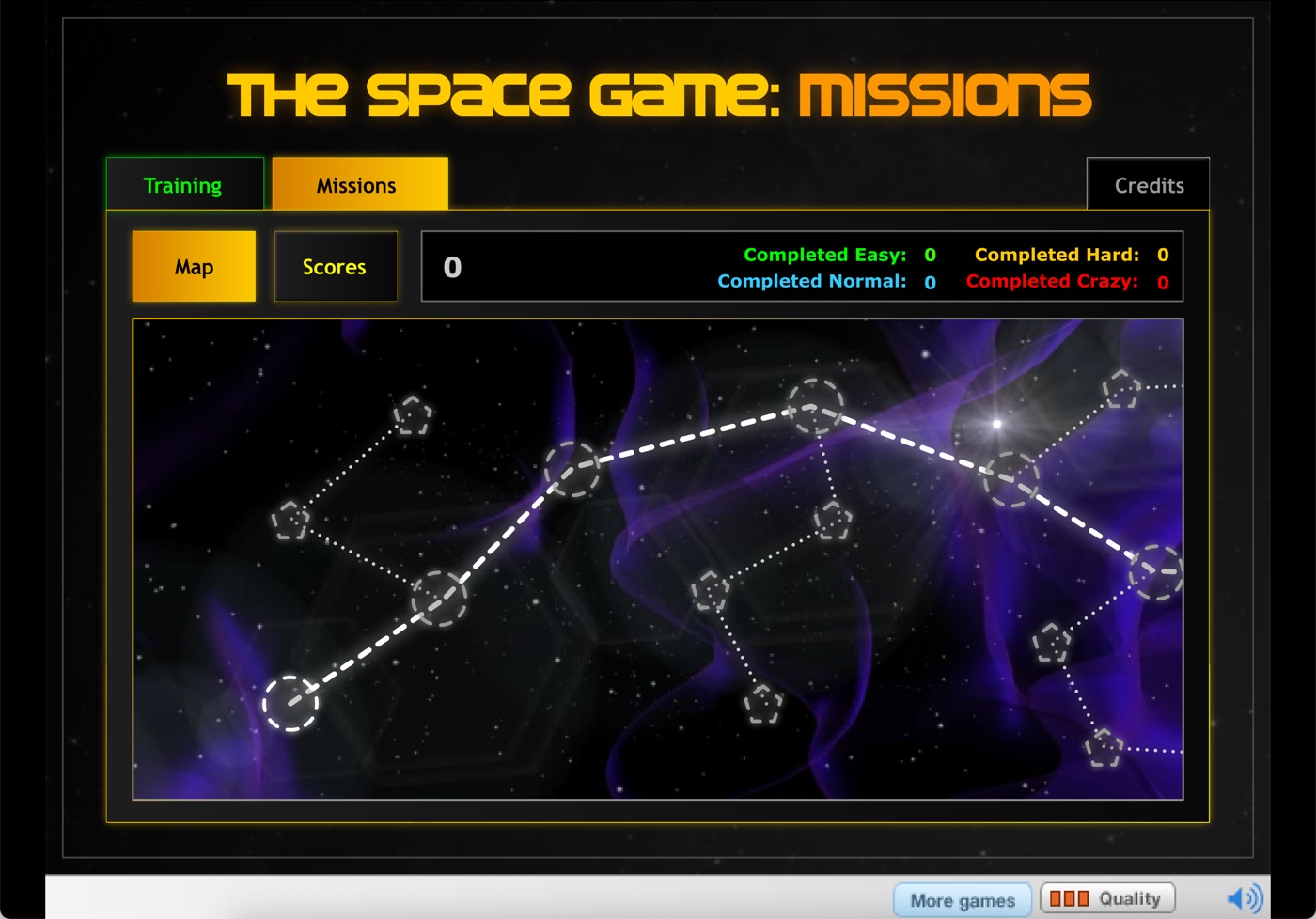
Missions is an eight-mission campaign with difficulty multipliers, Easy at 1x through Normal 1.5x, Hard 2x and Crazy 3x, plus EMP, Super Miner and warp jumps.
Missions is not on the Wayback Machine. Every mirror I could find, Newgrounds and freewebarcade and flashghetto, serves the same 16 KB loader stub. Google’s AI answer for the problem was “use Flashpoint”, which is true and unhelpful when you want the file.
Claude found the way in. Flashpoint’s game submission system has a public API at fpfss.unstable.life/api/games, and each game record names its data pack under download.unstable.life/gib-roms/Games/. Both packs downloaded and matched their published sha256.
The Missions pack had tsgmissions.v16.swf, 2.9 MB. It also had Flashpoint’s own reconstructed setup.php covering eight Casual Collective games, which answers the same questions the service worker does, plus the Casual Collective intro stinger and the menu background art.
Flashpoint handles members-only content with a patched game SWF, whereas the service worker reports class 2 and leaves the game binary untouched.
Saving progress
The pd field in the setup JSON is the save. The game asks the widget for it through CCAPI.GetPersistantData(), and when something changes, the widget POSTs the whole string back to player/data. Casual Collective must have stored it against your account. The service worker stores it in the browser’s Cache Storage, one entry per game, and hands it back on the next session/setup. Refresh the page and you are where you left off.
The save strings are tiny. The Space Game keeps a count of missions completed, mC=1. Missions keeps a state, a difficulty and a score for each mission:
m1=2,l1=1,s1=19666,m2=2,l2=1,s2=19516,m3=1
The game runs the string through escape() before handing it to the widget, and the POST encodes it again. Decode the POST once and store what is left, and on the next load the game reads a single giant key and the save snowballs. The fix is a second decode before storing:
if (path.endsWith('player/data')) {
  let pd = form.get('pd') ?? q.get('pd');
  try { pd = pd && decodeURIComponent(pd); } catch {}
  if (pd) await savePd(gid, pd);
  return text('result=1');
}
The game also posts scores to session/score after every level. The worker acknowledges them and forgets them. There is no leaderboard to send them to any more.
The launcher
The game launcher runs as a static page on GitHub Pages and hosts the service worker. The page is styled as a homage to the game.
The catch is CORS. None of the archive hosts send the headers, so the page cannot fetch the SWFs for you. You download them yourself (links and checksums are on the page) and drop them on the launcher. It unzips the Flashpoint packs in the browser, converts the SWFs to uncompressed, checks them against the expected hashes and keeps them in the browser’s cache. I also figure there may be legal issues with me hosting the actual game files, so keeping the SWFs out of the repo hopefully keeps this clean.
A few niceties added along the way:
- It pauses the game while its tab is in the background and resumes it when you come back, the way Steam does.
- The banner buttons inside Missions still point at casualcollective.com. The one that offers the original game opens it in the launcher. The one that invites you to join the Collective opens the Wayback Machine’s 2009 copy of the site.
- The game’s own stage is 700x700, with the Sandbox wave designer in the bottom 200px, but its loader says 700x525, so the service worker corrects the loader’s header on the way through, and since it also sees the level start, the page grows the stage for Sandbox Mode and keeps the tighter crop everywhere else.
- The game state is saved for each game, so you can return and continue where you left off. You can clear your state on the Get the files tab.
- The How it works tab tells the story above in a few paragraphs, with the four-step boot sequence, for anyone who lands on the page wondering why the archived SWF does not work.
You can also clone the repo, put the files in storage/, and serve it with any static server. Service workers do not run on file://, unfortunately.
The same widget served every Casual Collective game: Desktop Tower Defense Pro, Buggle Stars, Desktop Armada, Flash Element TD 2 and the rest. The launcher does not care which game id it is answering for. Given the files, it can in principle bring the others back too.
Anyways, I hope you enjoy this game as much as I do :)